Your data team, 24/7.
Give anyone access to data agents managed by your data team. Get dashboards, reports, and figures ready to use.


Trusted by












Built by your data team.
Ready for everyone.
The platform behind every data agent.
Camber connects the data, code, compute, and context agents need to do real work and evolve with your team.
Shared Artifacts
Save and share tables, figures, dashboards, chats, and other outputs so every answer is easier to reuse.
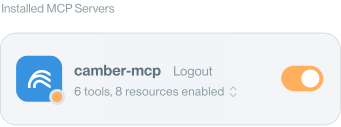
MCP Connectivity
Run Camber agents from the AI assistants and coding tools your team already uses.
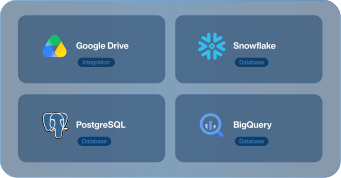
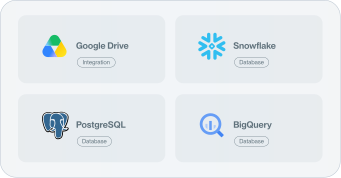
Data Connectors
Connect to Snowflake, BigQuery, Databricks, Trino, Google Drive, SharePoint, and more.
Cloud Notebook Workspace
Work in a familiar notebook environment with shared files, saved results, and scalable CPU/GPU compute.
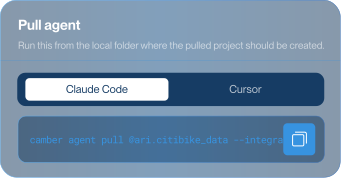
Context Mirror
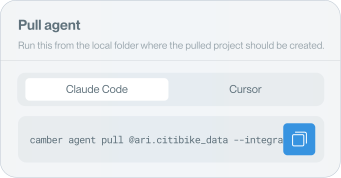
Context beyond skills. Transforms all of your project context from a coding agent session into a remote Camber agent.
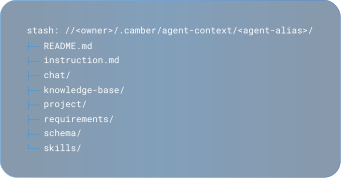
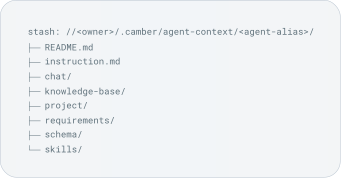
Versioned Agent Evolution
Easily track how your team’s agents change over time, compare versions, and edit the context behind their behavior.


Runs above your stack.
Never inside it.
Camber runs as a secure context layer. It reads your schemas and rules, never your data. No ingestion, no training, no exposure.
Zero retention model isolation
Every session runs in an isolated container. Your prompts never reach public training pipelines.
Read-only, least-privilege
Role-scoped credentials. No write paths. Fully auditable.
SOC 2 Type II certified
Continuous controls monitoring. Compliant with SOC 2 Type 2, HIPAA, and NIST 800-171. Report available under NDA.
Flexible deployment scopes
Secure HTTPS or fully isolated in your own AWS VPC. Camber lives where your data lives.
Frequently Asked Questions
What is Camber?
Camber is a cloud coding agent platform for data science and the context layer that lets teams build agents on their data, run them across the tools they already use, and share them with anyone who needs trusted answers.
What is the context layer for data science?
The context layer keeps the important parts of data science work connected: data, code, files, results, logic, and team knowledge. In Camber, that context deploys as reusable agents, so work doesn’t get trapped in one notebook, chat, or person’s head.
How is Camber different from Cursor, Claude Code, or Codex?
Coding agents help you write code. Camber gives data science agents persistent context in the cloud. Because Camber runs where your data and compute live, it can work across datasets, files, pipelines, analyses, and team conventions, not just a single local session. Everything it builds can be reused, evolved, and shared across your team.
Where can I use Camber agents?
You can use agents in Camber, in addition to the AI assistants and coding tools your team already works in, including MCP-enabled clients. Data scientists and researchers can use agents to run analysis, while teammates in Product, Finance, Sales, Marketing, or CS can ask questions in natural language and get trusted answers from the same underlying work.
What can Camber agents do?
Camber agents can query data, write and run code, launch analyses, scale jobs with compute on demand, and save outputs like tables, figures, dashboards, and chats. Teams can use them to move faster through analysis and experimentation, while stakeholders can use them to ask questions and get answers without waiting on another request.